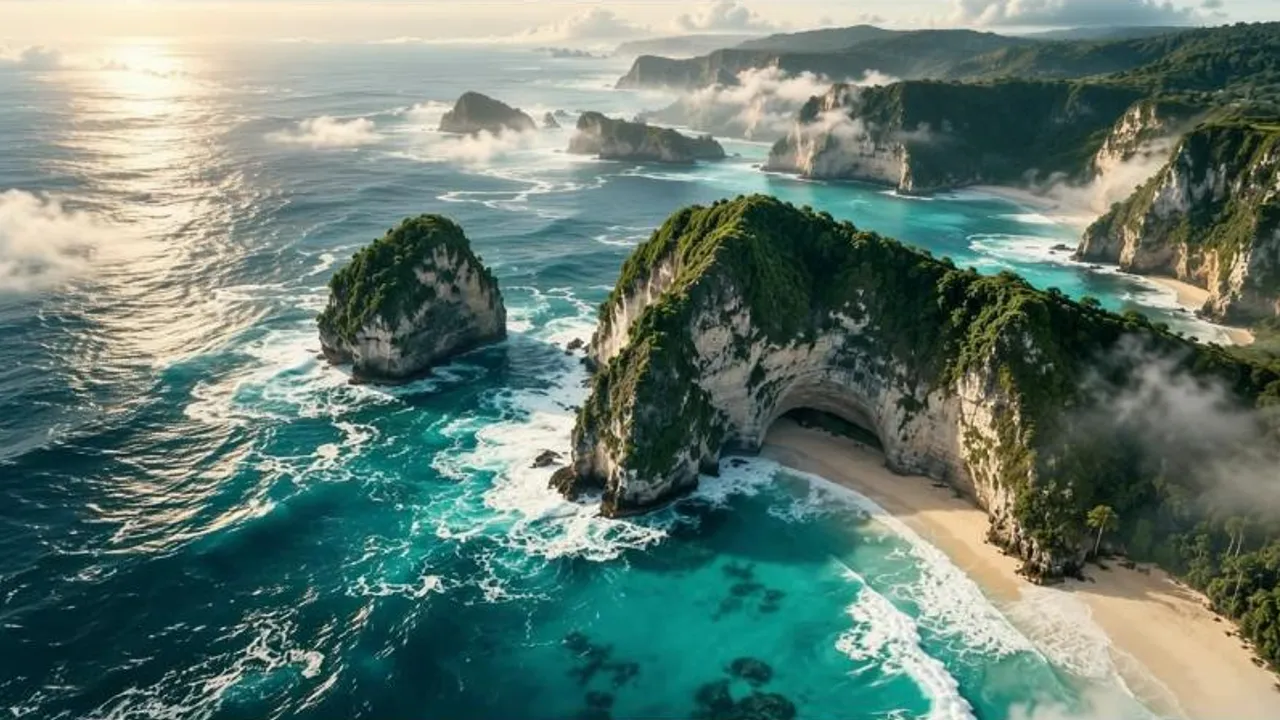
The missing cutaway
Fill a gap in a story with a close-up, an establishing shot or a reaction you never filmed.
Video Insert
Mark the point in your video where something should happen. Describe it. Cliplume generates the scene, color-matches it to your footage, and carries on with the original.
An observatory under the night sky, with a spacecraft filmed into the middle of the shot
How it works
Scrub through your video (up to 60 seconds) and set where the new scene begins.
A drone sweeping in, a door opening, a crowd turning to look. Write it like a shot.
Pick the point where your original video picks up again, and how long the new scene runs.
Fill a gap in a story with a close-up, an establishing shot or a reaction you never filmed.
Drop a drone move or a dramatic beat into a plain stretch of footage.
Break up a long take with a scene that gives the edit somewhere to breathe.
See how a scene would feel in context before you commit to filming it.
What to expect from Video Insert: limits, quality and cost.
Colors are matched to your footage so the cut between your video and the new scene doesn’t jump. Describe the lighting and setting you want for the best blend.
5 to 13 seconds per insert.
No. You pay for the seconds of new scene only; the rest of your video is passed through.
One scene per run. Run it again on the result to add another.
The whole video is returned at 480p or 768p, your choice.