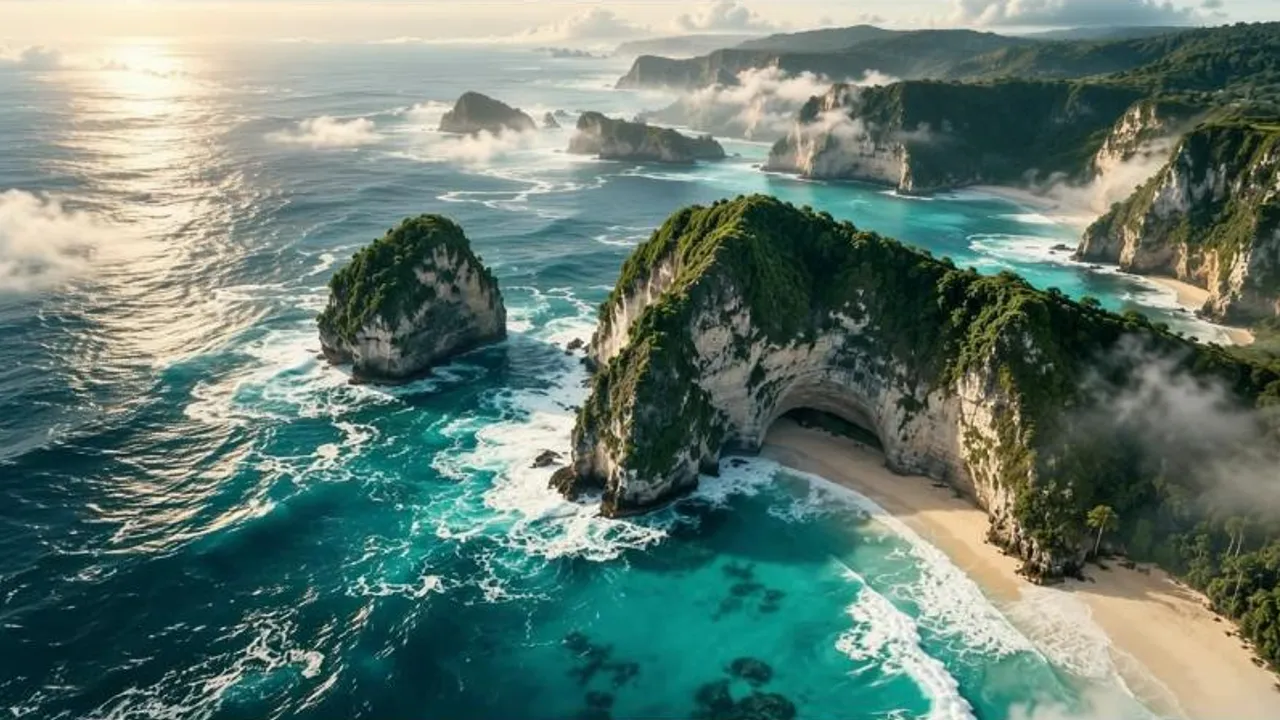
Hold a moment longer
Give a reveal, a landscape or a product shot the extra seconds it needs to land.
Video Extend
Upload a clip, say what happens next, and Cliplume carries it on: same subject, same light, same camera, with new footage that picks up exactly where yours ends.
A drone flight through a jungle canyon, extended to reveal the full waterfall
How it works
MP4 or MOV, up to 60 seconds and 50 MB. Footage you shot, or a video you generated.
Describe the continuation, not the clip. Your footage is the starting point, so the look carries over.
From 2 to 15 seconds of new footage, at the quality you want.
Give a reveal, a landscape or a product shot the extra seconds it needs to land.
A jump that cuts off mid-air, a pour that stops before the glass is full: let it complete.
Add a calm tail to a clip so text, a logo or a call to action has space to sit.
Took a 5-second Cliplume video as far as it goes? Continue it instead of starting over.
What to expect from Video Extend: limits, quality and cost.
You can add 2 to 15 seconds per run. To go further, extend the result again.
Your clip is the starting point and your description is expanded using it, so subject, setting and lighting carry over. Say what the camera should do to steer the movement.
Yes. Choose “New footage only” and you get just the continuation to cut into your own edit.
The extension is generated with its own matching sound. If you need the original soundtrack unchanged, use New footage only and join them in your editor.
Make a new version with the same settings, or change the instruction and run it again. You’re only charged for runs that finish.