Generate
Make what you imagine.
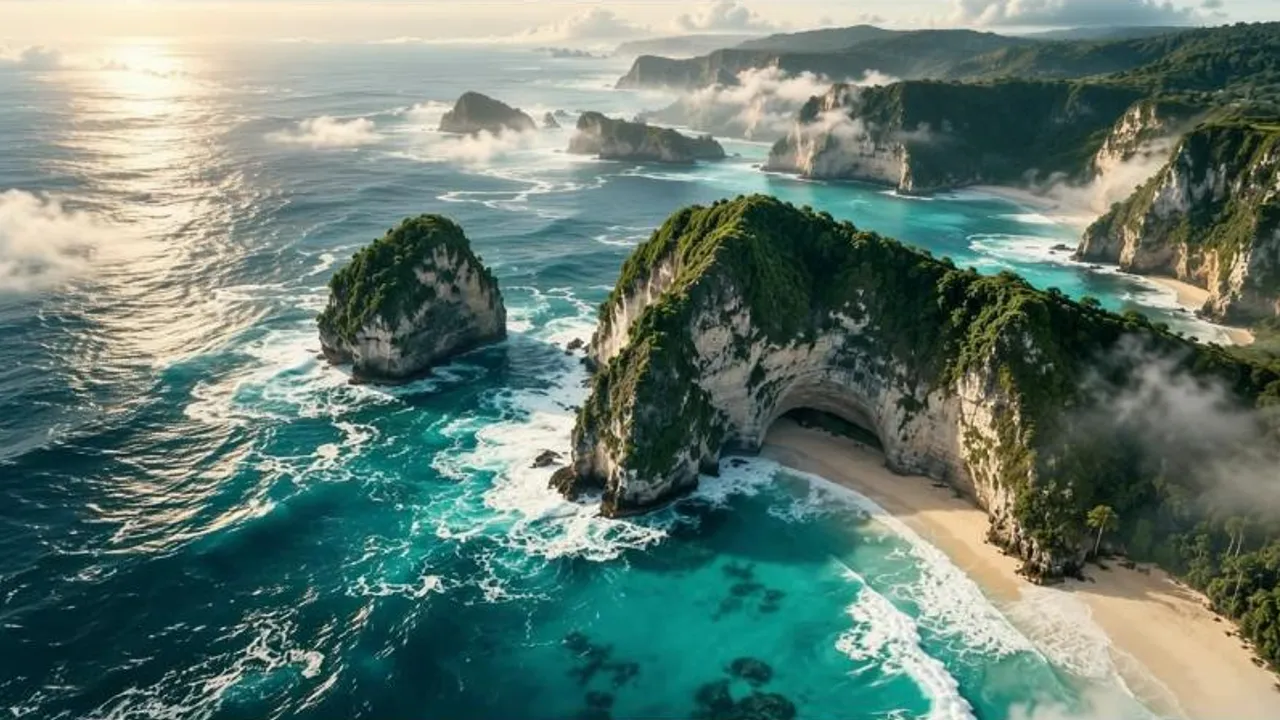
Describe what you want. Create images with remarkable detail, style, and clarity.
Cliplume Image
Describe an image and Cliplume paints it. Or bring one you already have and say what should be different. Same studio as your videos, with the exact cost shown before you start.
Generate
Describe what you want. Create images with remarkable detail, style, and clarity.
Edit
Change what you want while keeping everything else intact.
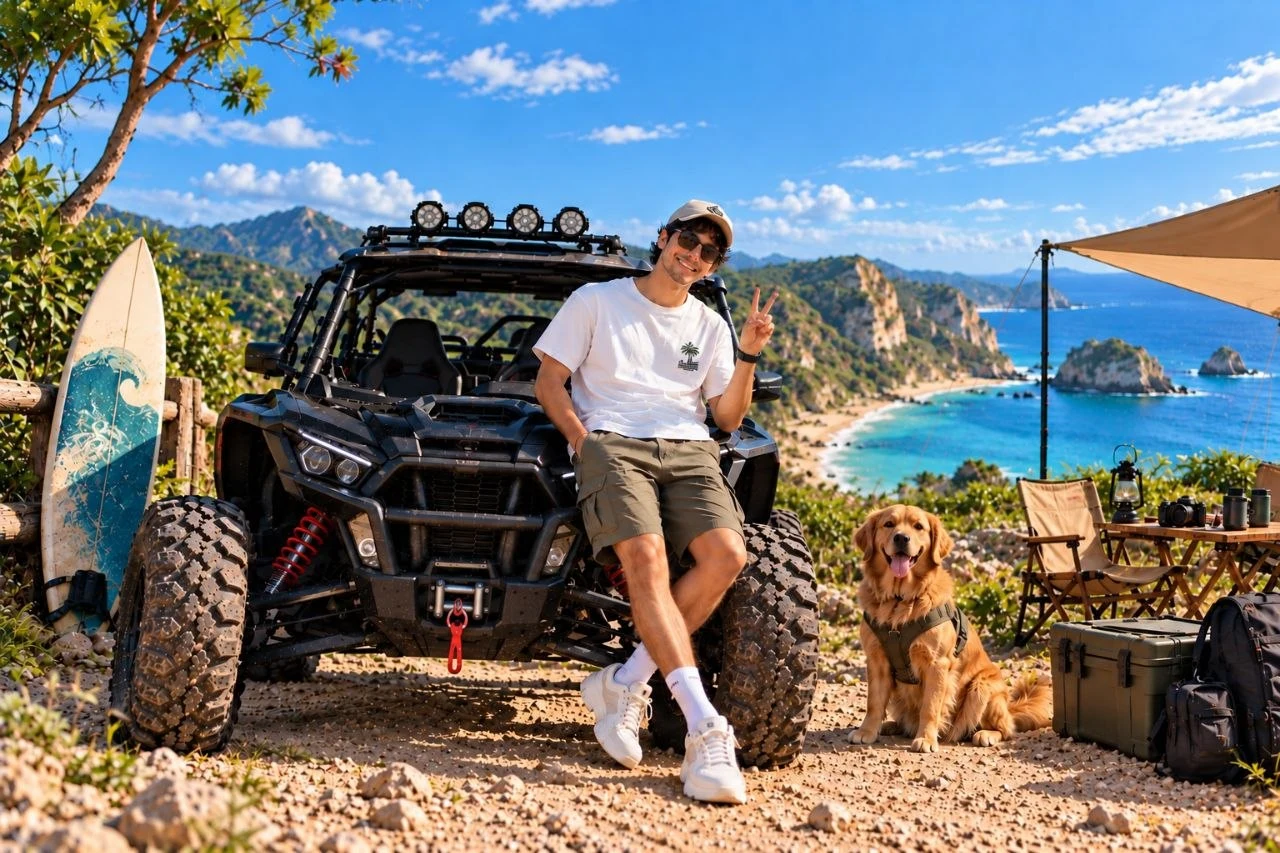
One photo. Three edits, one after another.
Turn a description into a finished picture. Choose the shape, and get clean detail and readable text.
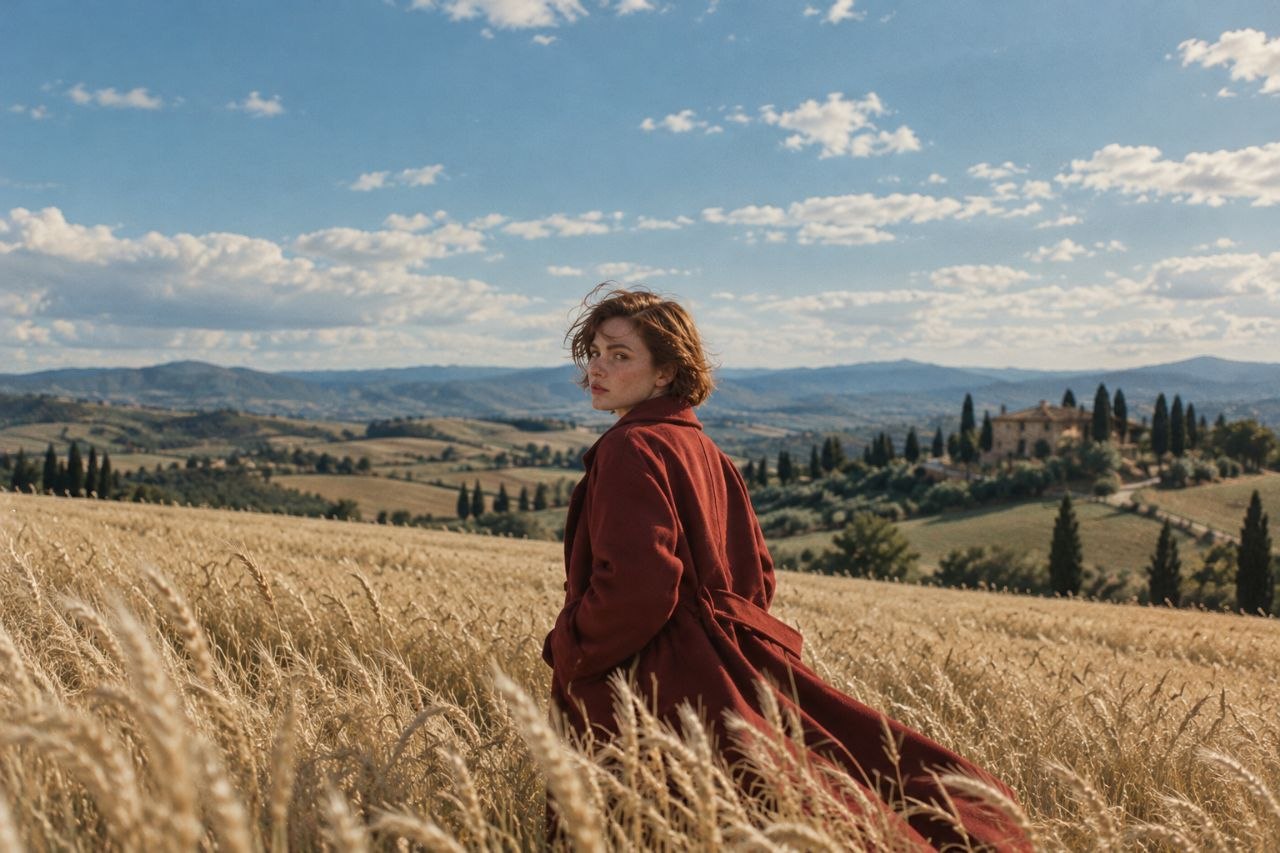
Upload a picture and describe the change. Recolor, replace, remove or restyle, and the rest of the picture stays put.
How it works
Start from words, or drop in a picture you want to change.
Write it the way you’d tell a person. Generate takes a scene; Edit takes a change.
Save the result, make another version, or send it straight into an edit.
Make the picture a post needs in the shape the feed wants, in seconds.
Place a product in a new setting, or change its color without a reshoot.
Get a clean, text-ready image sized for the platform.
Remove a distraction, swap a background or fix a detail with one sentence.
What to expect from Cliplume Image: sizes, files and cost.
Two tools in the Cliplume studio: Generation, which turns a description into an image, and Editing, which changes a picture you upload based on your instruction.
Generate in 12 aspect ratios, from square to cinematic wide. Edits keep the shape of your original.
PNG, JPG and WebP images up to 10 MB, between 256 and 8,192 pixels.
Yes. It stays in your project untouched, and the edit is saved as a separate image you can compare with and download.
Both tools are priced per image by the quality you choose, from a few credits for a draft up to a few more for high detail. You see the exact number before you start, and you’re only charged for images that finish.
Yes. Choose “Edit this image” on any result to carry it straight into Editing.
Your prompts, uploads and images stay private to your account, and only you can open them.
Generate or edit in the same studio as your videos.
Generate an image